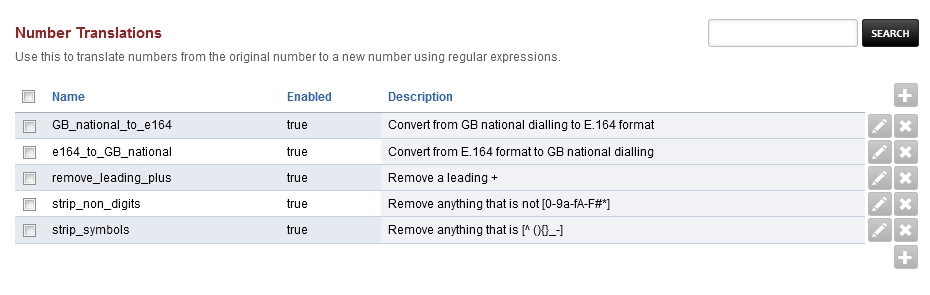
Number Translations
Use this to translate numbers from the original number to a new number using regular expressions.
Activating mod-translate:
Install the package “freeswitch-mod-translate”. If using Debian Package then use the following command “apt install freeswitch-mod-translate”
Configure the module to your likes via the GUI: Advanced -> Number Translations.
Activate the module in FusionPBX Advanced -> Modules in the Applications section
The documentation for mod-translate can be found under https://freeswitch.org/confluence/display/FREESWITCH/mod_translate
To use mod-translate to modify inbound calls before they hit the dialplan the following setting for SIP-profile must be modified:
dialplan “XML” -> dialplan “Translate,XML”
With FreeSwitch 1.8.x it is now possible to specify the translation profile to be used: dialplan “XML” -> dialplan “Translate:my_profile1,XML”
To activate this setting, you must flush cache once and then restart or rescan each SIP-profile