Contacts
Contacts is a list of individuals and organizations.
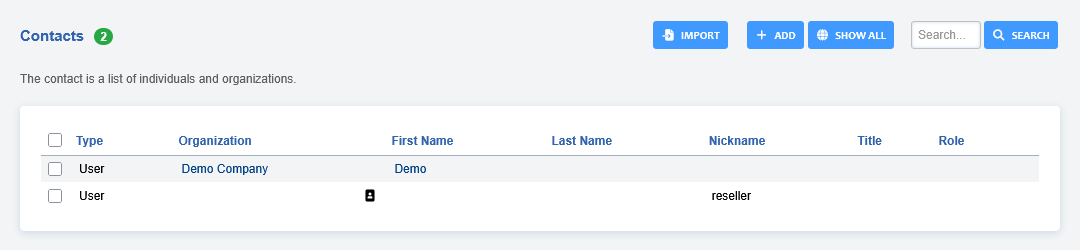
Click ADD to create a new contact
Click EDIT to edit an existing contact
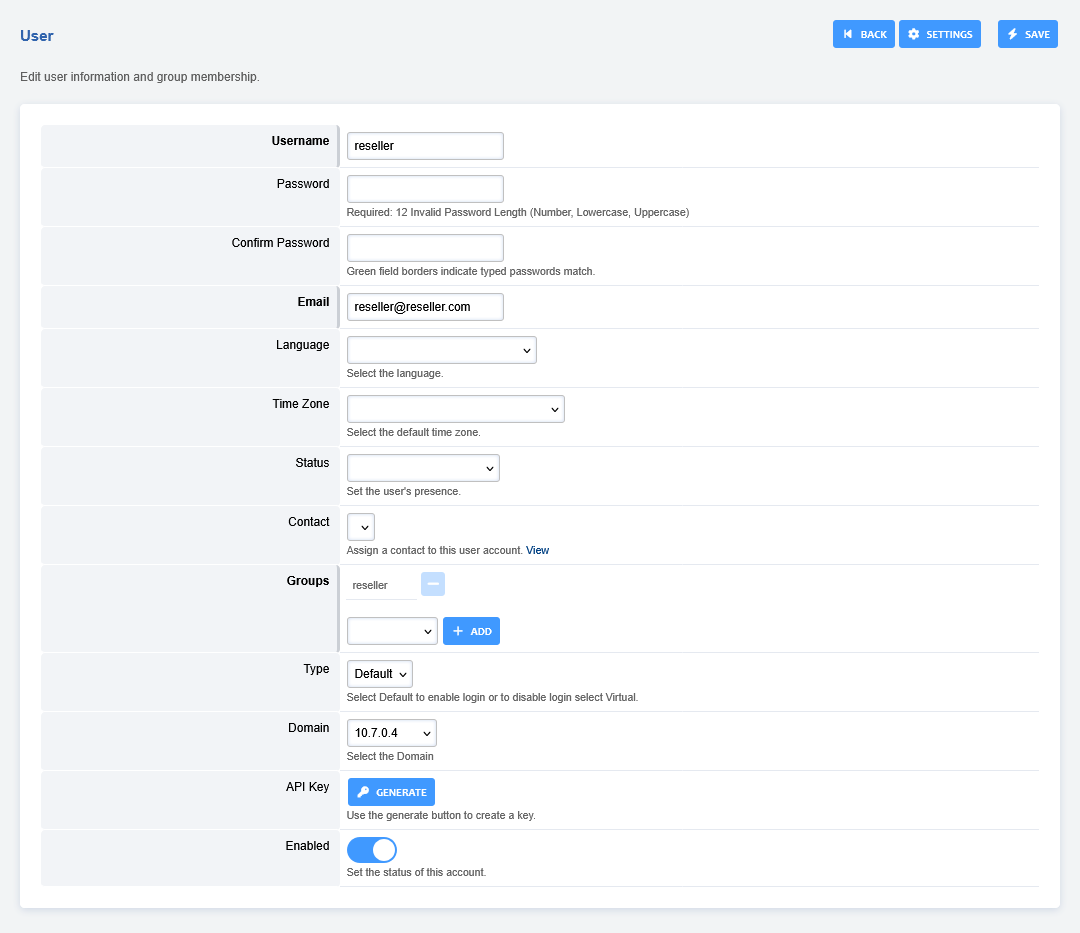
Fill out the fields with pertinent information and click save.
Users- Select the users that are allowed to view the contact
Groups- Select the group that are allowed access to the contact.
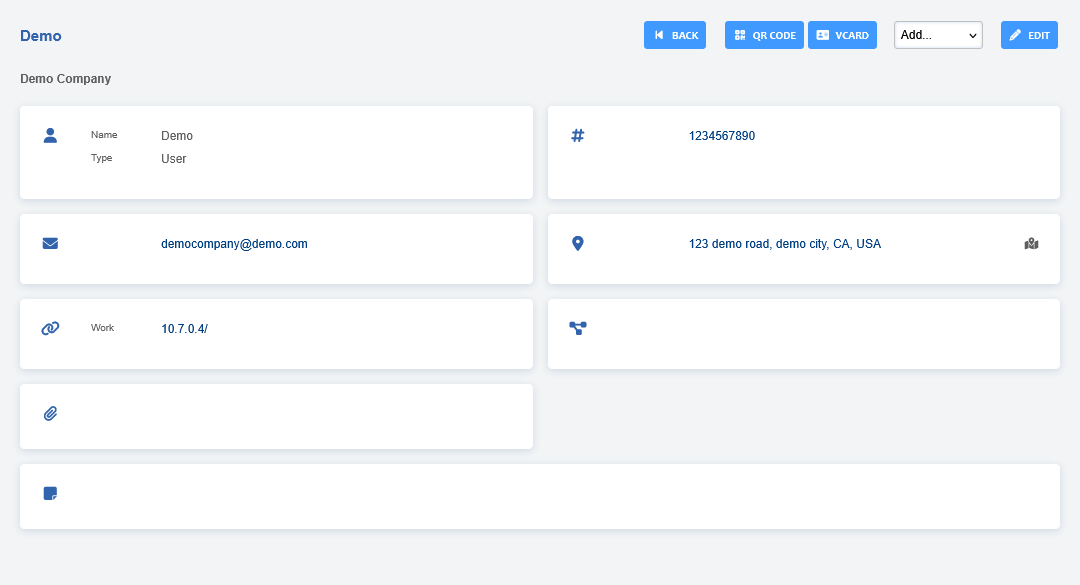
Click EDIT to add additional information that wasn’t available when you first created the contact.
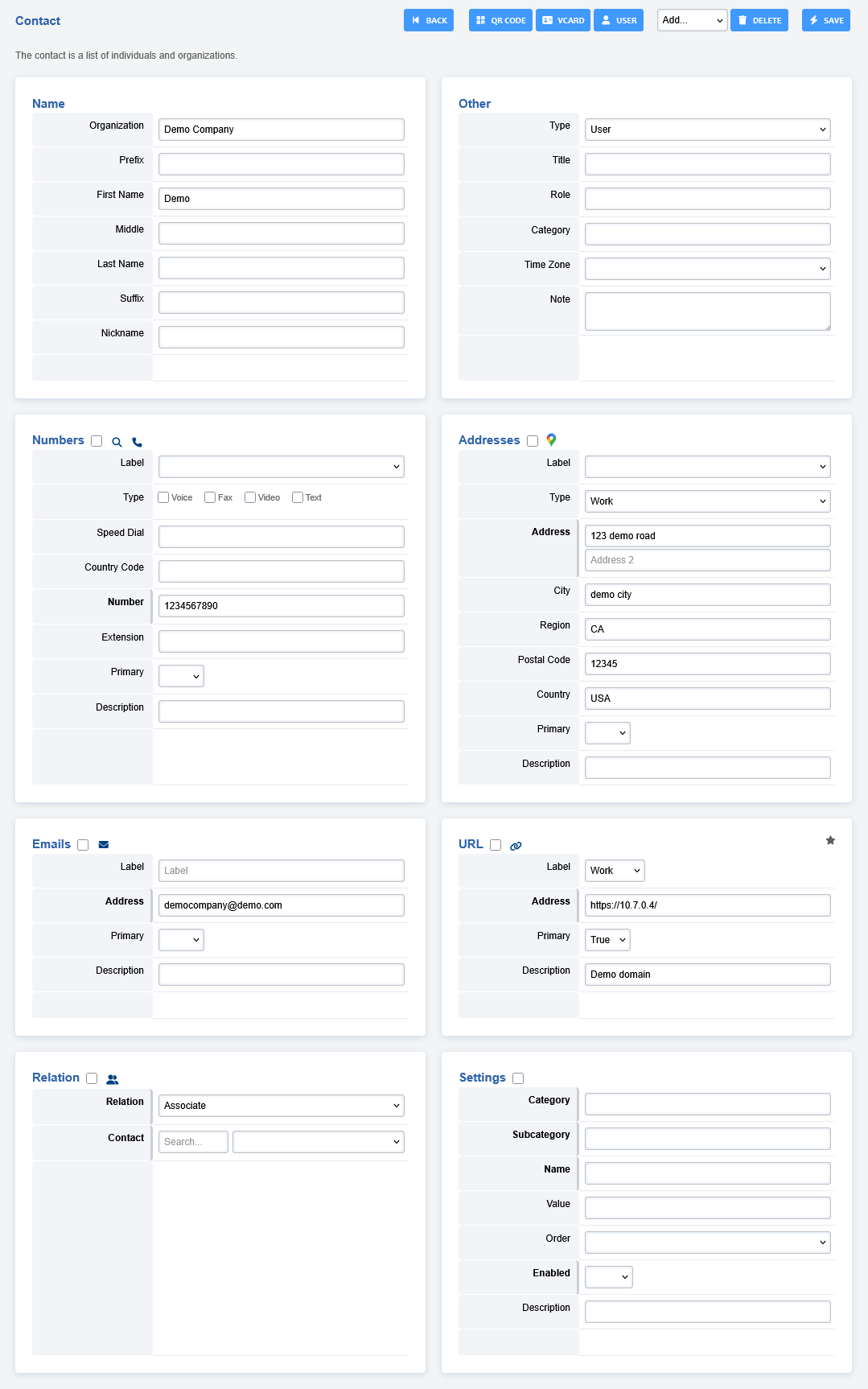
You can download a file copy of a contact by clicking VCARD
To generate a QR code click the QR CODE button